top of page
Always reboot your router before reporting it
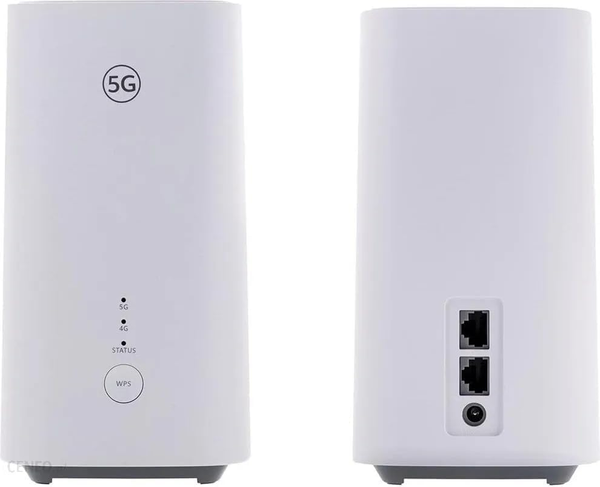
LAN Connection
For cable connection
5G Indicator
Light could go blue or Intermittent Not important
4G Indicator
Must be blue
Connection
Light must always be blue

Dam this buffer
Callryt
How to Use the WPS Button
-
Prepare your device: Open the Wi-Fi or WLAN settings on the phone, computer, or device you want to connect. Select the router's network name or go to advanced settings to start the WPS connection.
-
Press the button: Press and release the WPS/H button on your Huawei H155 router.
-
Wait for connection: The network status indicator on the router will flash blue while it looks for the device. When the light turns solid blue, your device is connected
Power Cable
To reboot the router, remove the power cable and re-insert after 1 minute.
If it does not improve contact us via our fault link.
bottom of page